
Studio Projector
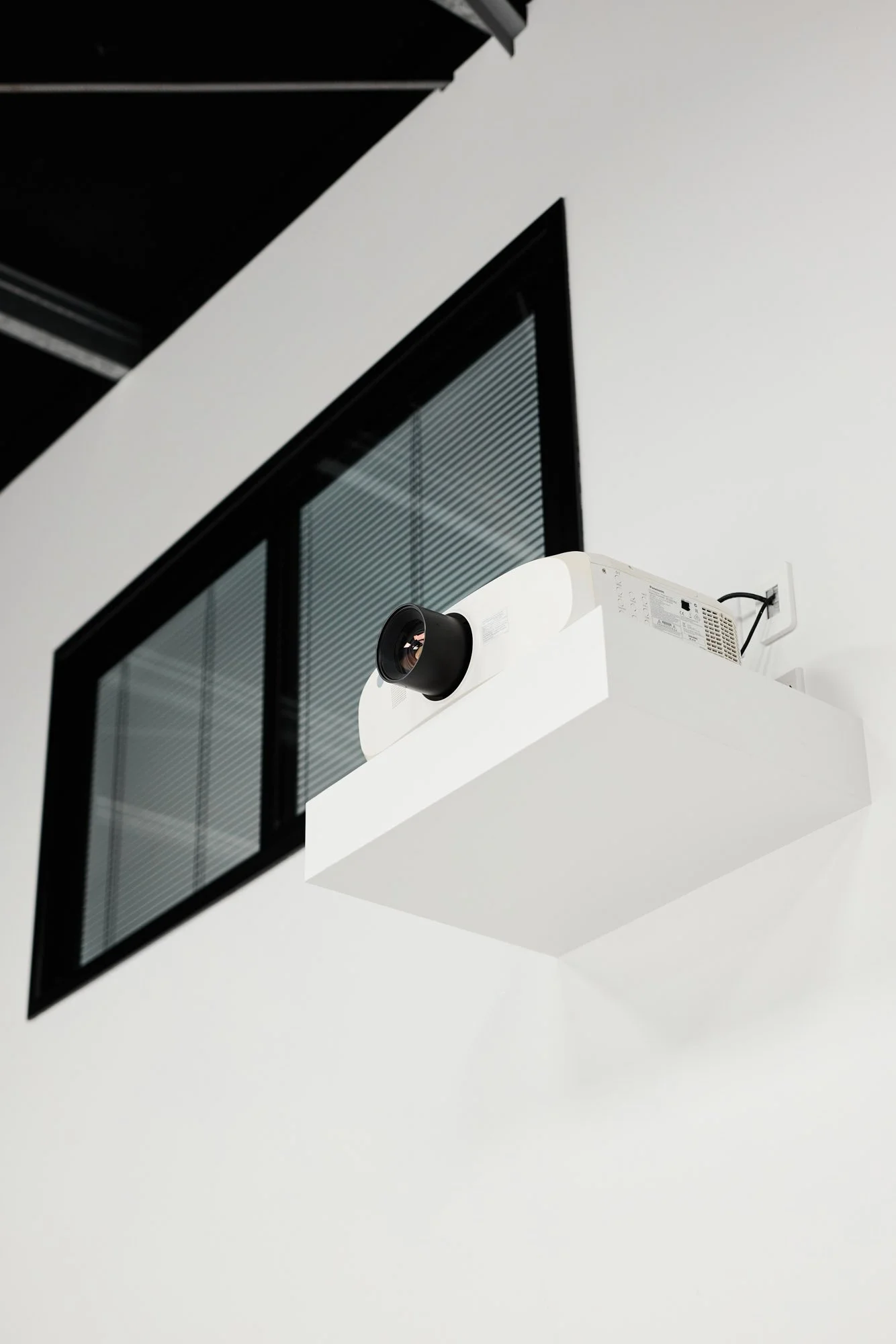
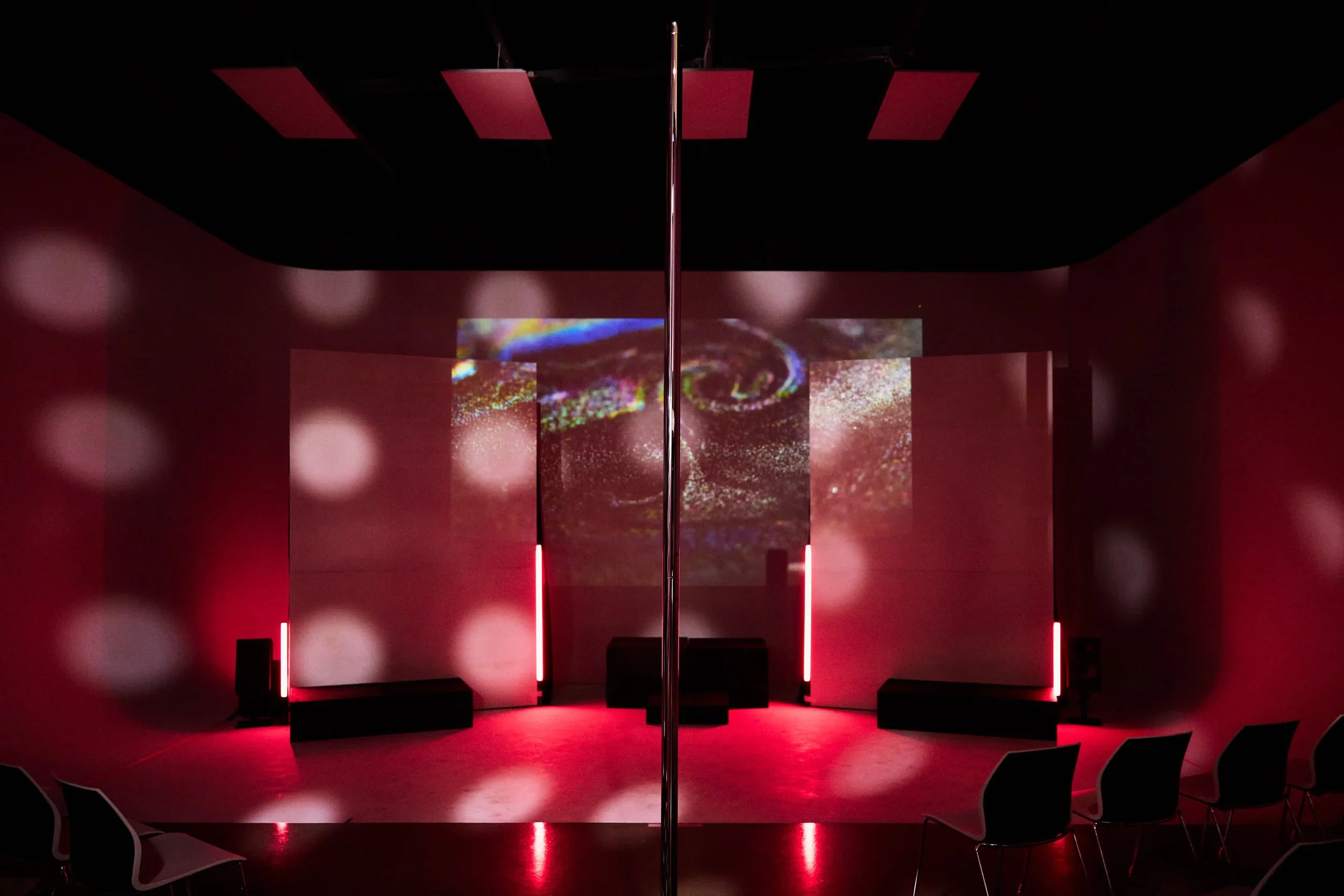
Suburbia has a Panasonic projector with:
Apple TV
Airplay
Streaming (you’ll have to log in/out)
HDMI input
Please let us know if you would like to use the projector and we will help you get it up and running.
Airplay Instructions.
Join WIFI ‘Suburbia NZ’ with the password ‘PhotoStudio’.
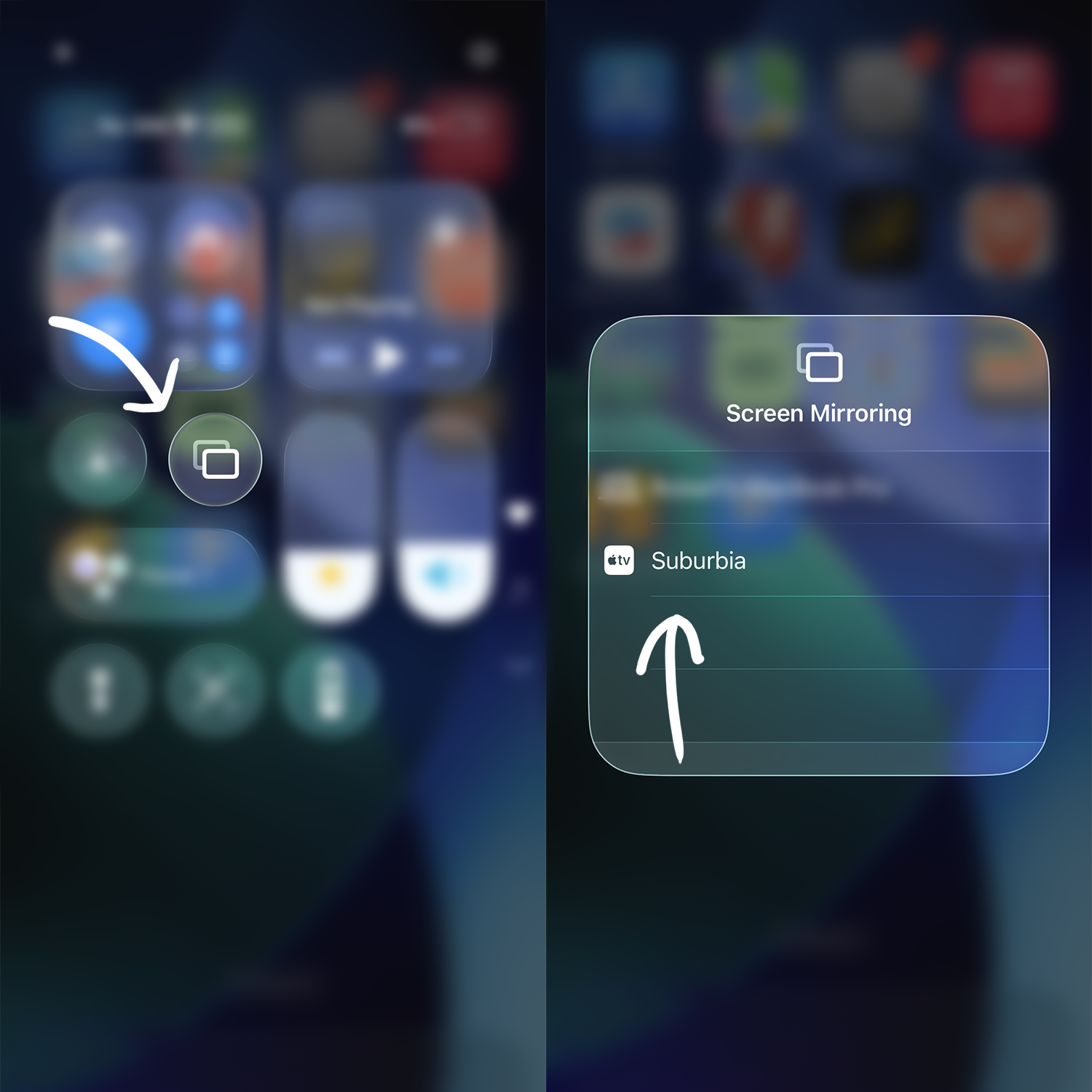
On iOS devices, swipe down to Control Center and tap the screen mirroring button in the media widget.
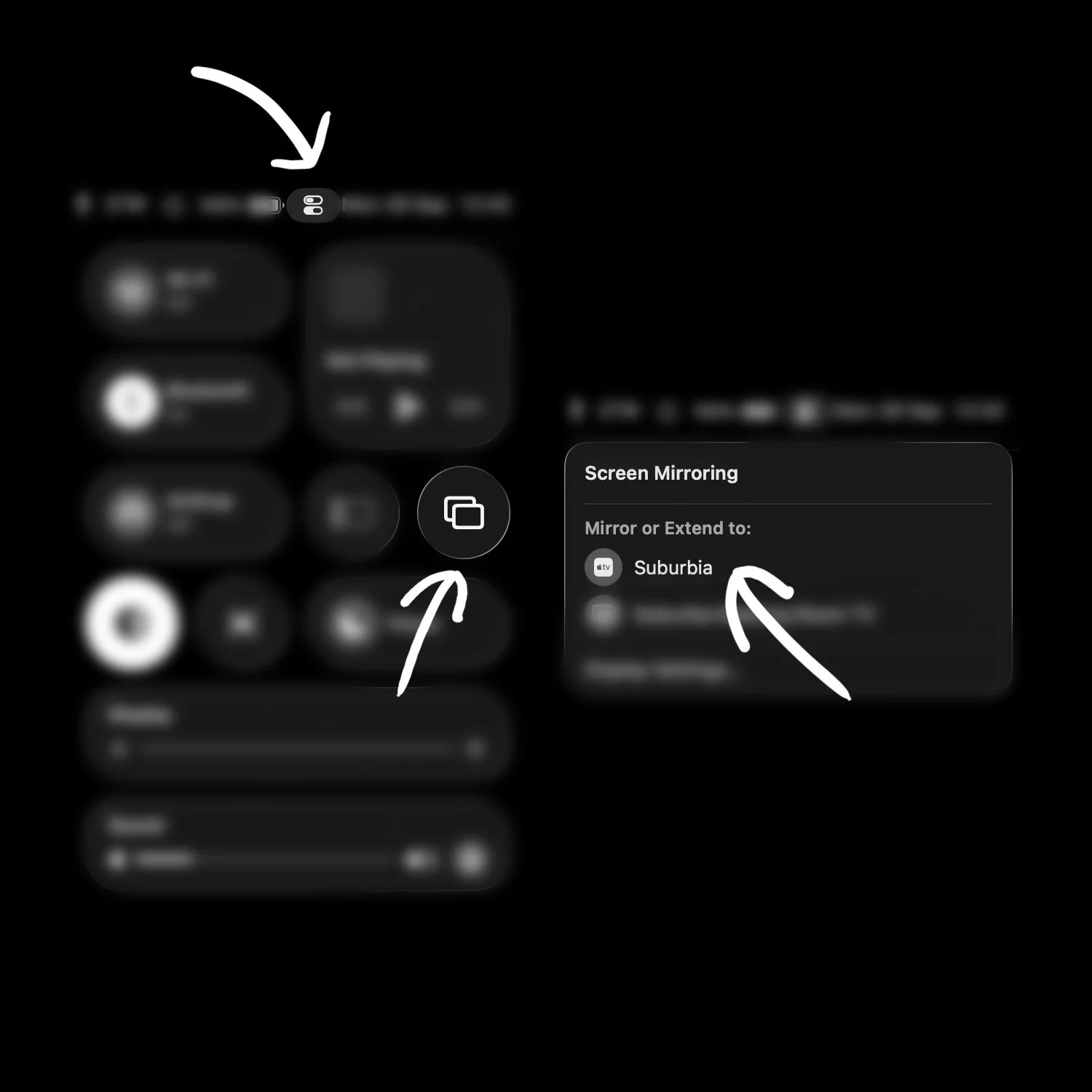
On MacOS go to Control Center and tap the Airplay logo in the sound widget.
Select ‘Suburbia’.
If you are connected and no audio is coming through speakers turn up the volume, if there’s still no sound let us know and we will get it running.
If audio is out of sync you may need to use VLC and offset the track synchronisation by -2.0seconds.
HDMI Instructions.
Let us know if you want to run the projector via HDMI, there’s a little more setup required.
Audio will need to route through the 3.5mm headphone jack.
If audio is out of sync you may need to use VLC and offset the track synchronisation.